
Bring it together
Add supported files, recent results and the records you already keep.
Meringue brings your health information together in one place, so you can see how things change over time and bring more context to your appointments.
Meringue is available now to adults in Canada.
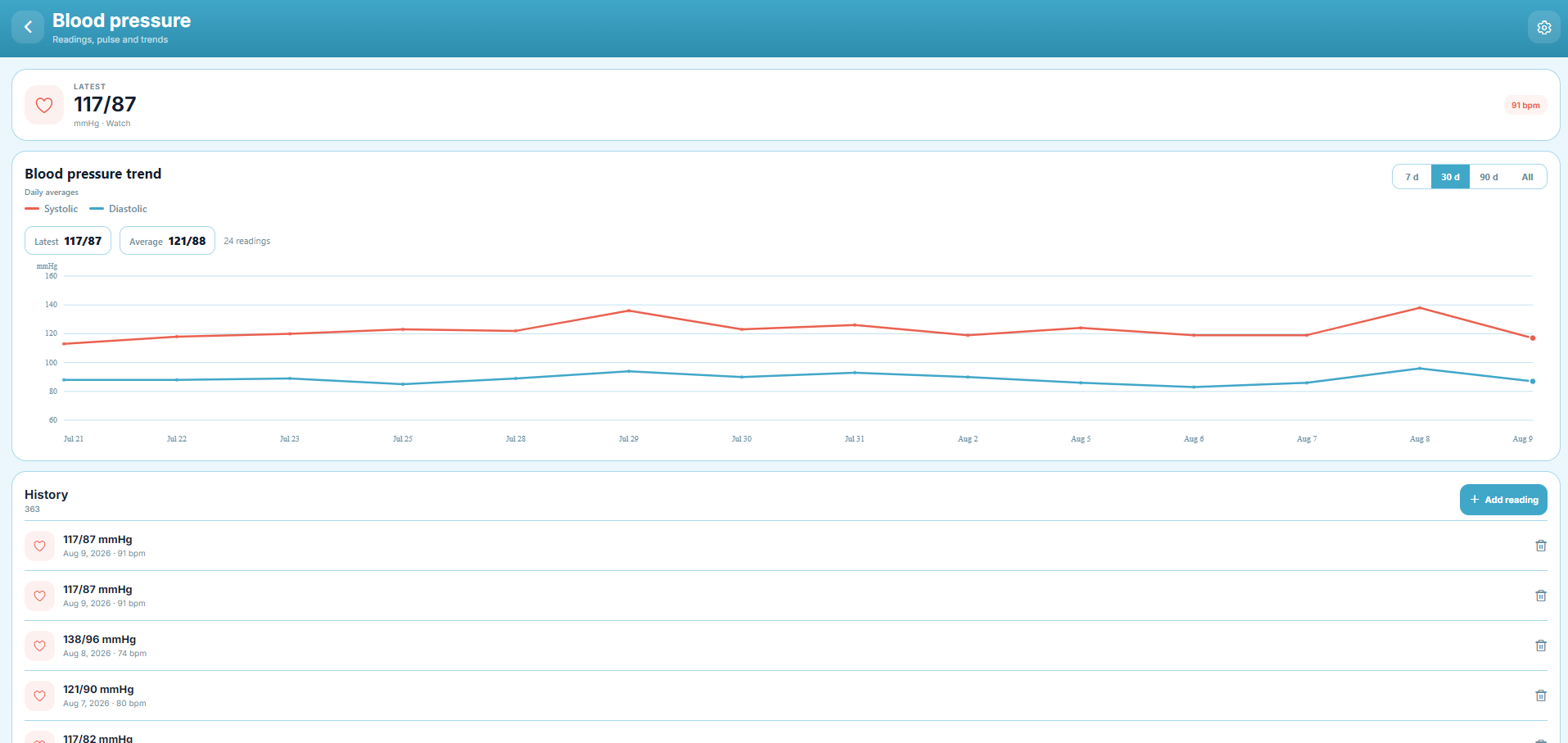
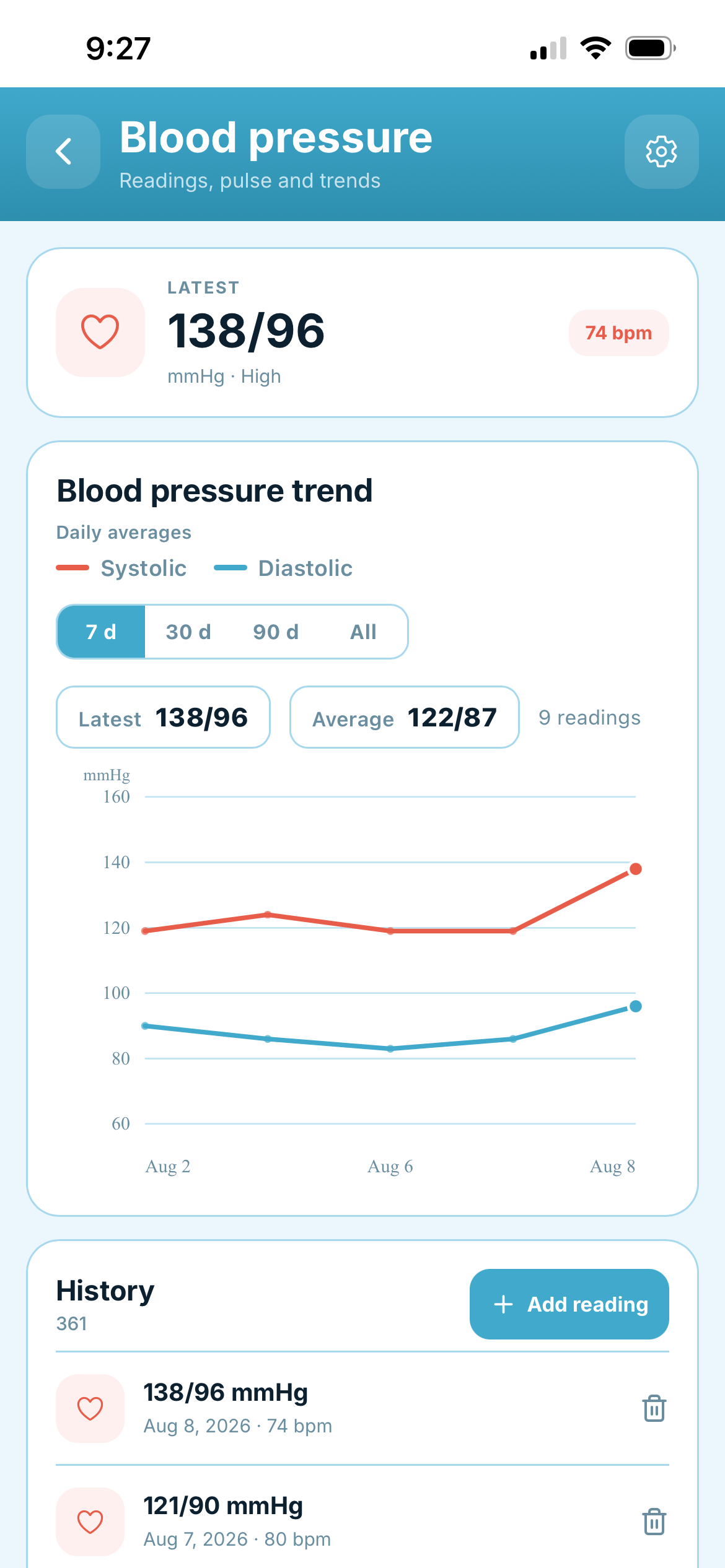
Import supported blood pressure, weight and other histories from Excel or CSV. Add supported lab PDFs and review the extracted values before they become part of your timeline.
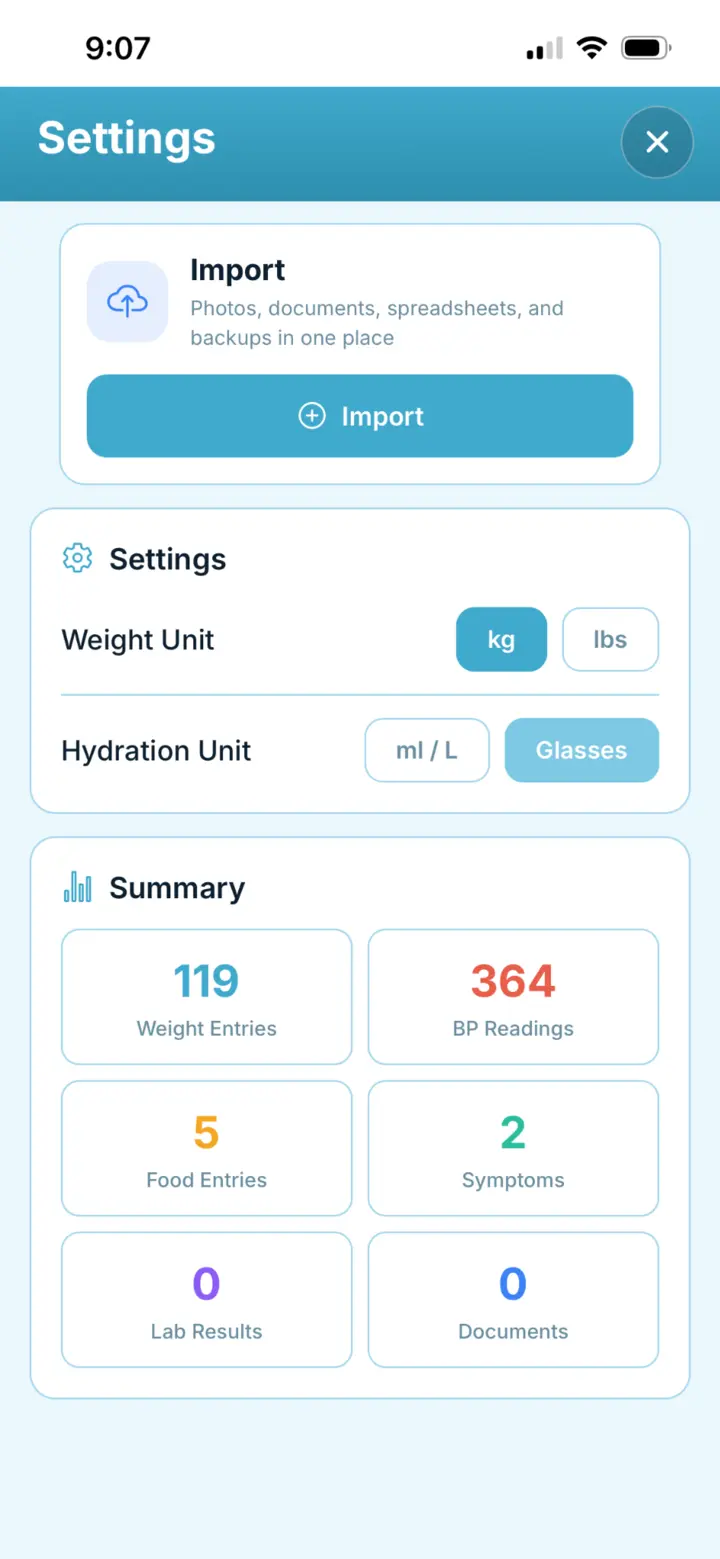

Keep reports, prescriptions, scans, photos and other health documents alongside the rest of your health information, so the source stays close to the story you are building over time.
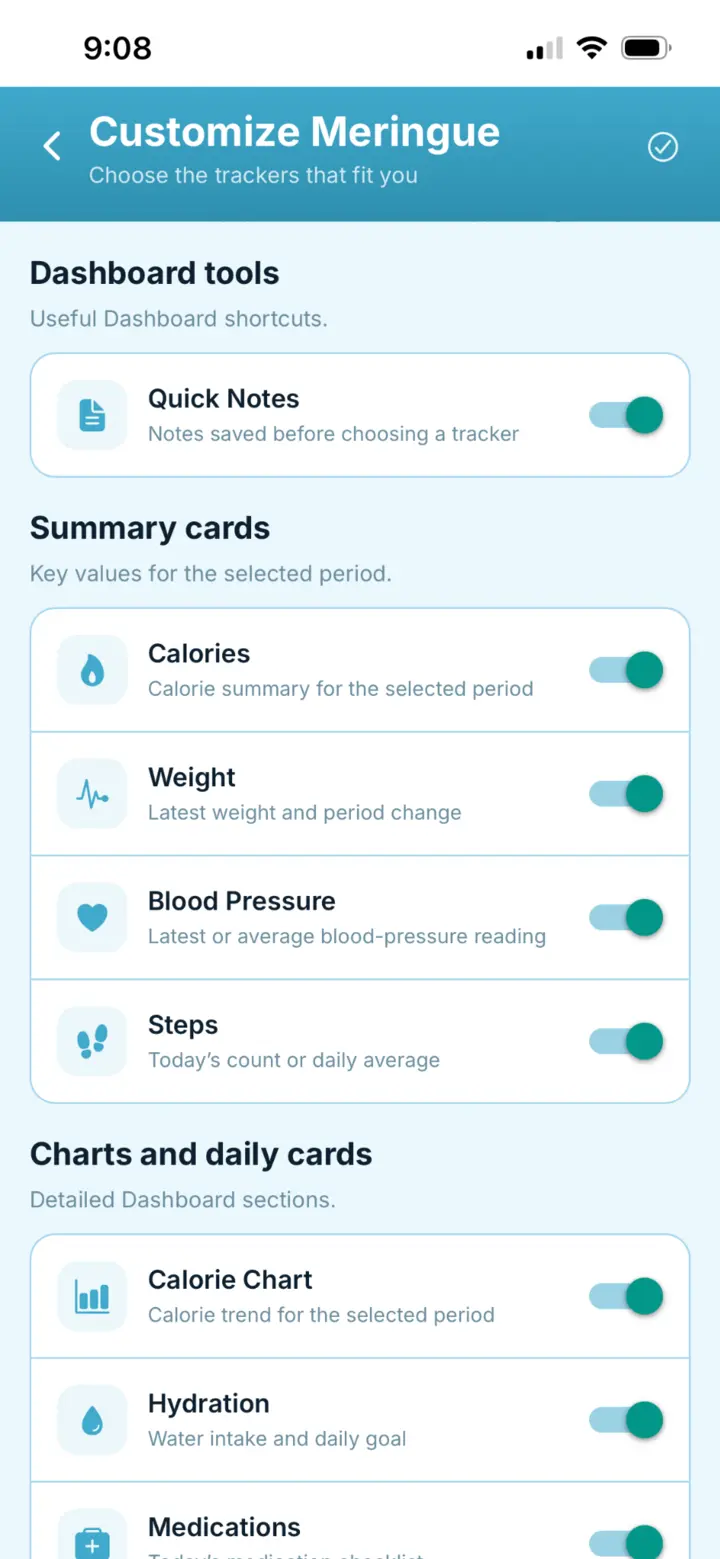
Keep the health areas that matter to you in one place. Add or hide them as your needs change without losing the history you already recorded.
Start with the information you already have, add what matters as you go, and use the timeline when you need context.
Add supported files, recent results and the records you already keep.
Record the health information that matters to you as things change.
Look across days, weeks and months with the readings and entries behind the trends.
Create a report with the date range and sections that matter for your next appointment.
Choose a date range and the information that matters for that visit. Review the report before opening the PDF and saving it to your device.
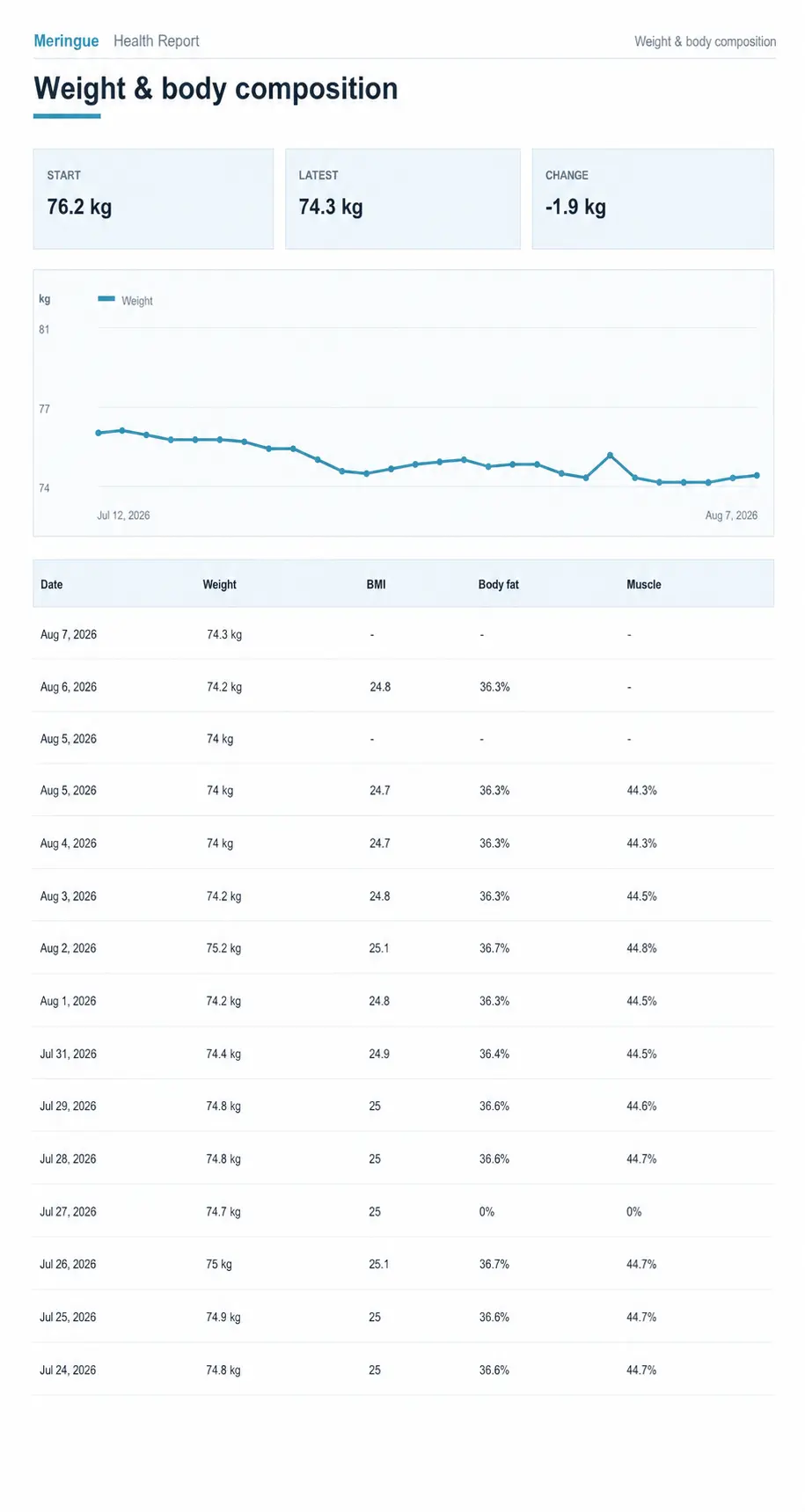
Choose the dates and health information that matter for the visit, create your report, and use it to help explain what has changed without relying on memory alone.

Keep medications, measurements, symptoms and appointments connected through time.
Keep a timeline so the next appointment can start with what changed since the last one.
Keep the information you already record in one place you can come back to when you need it.

I built Meringue because I needed one place to see my health information together
I brought my blood pressure, cycle, weight, symptoms, steps and lab results into one timeline. It became much easier to see what had changed, keep the history organized and bring the right context to each appointment.
Meringue stores your health information in Canada. You decide what to record, include in a report, share, export or delete.
Read the full Privacy PolicyMeringue is a web app. Open it in your browser and add it to your home screen for quick access. You do not need the App Store, Google Play or TestFlight.
You can choose from symptoms, medications, blood pressure, weight, nutrition, hydration, activity, cycle information, lab results and health documents, and hide areas you do not use.
Import supported blood pressure, weight and other histories from Excel or CSV files. You can also add supported lab PDFs for value extraction and review.
File import is available today for supported histories. Direct connections with health and activity apps are planned for a future release.
Choose a date range and the sections relevant to the appointment. Review the report, open the PDF and save it to your device.
Meringue brings together your personal health information for your own review and conversations with qualified health professionals. It does not diagnose, treat or make medical decisions.